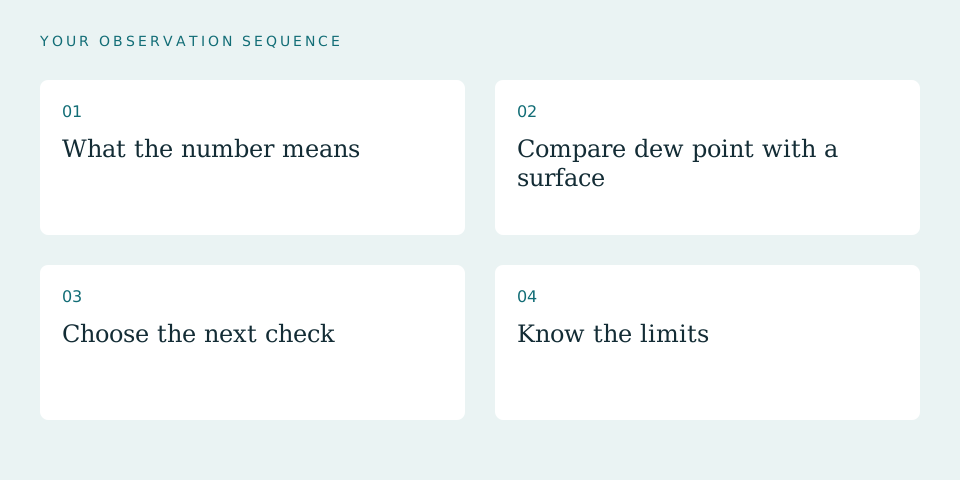
01What the number means
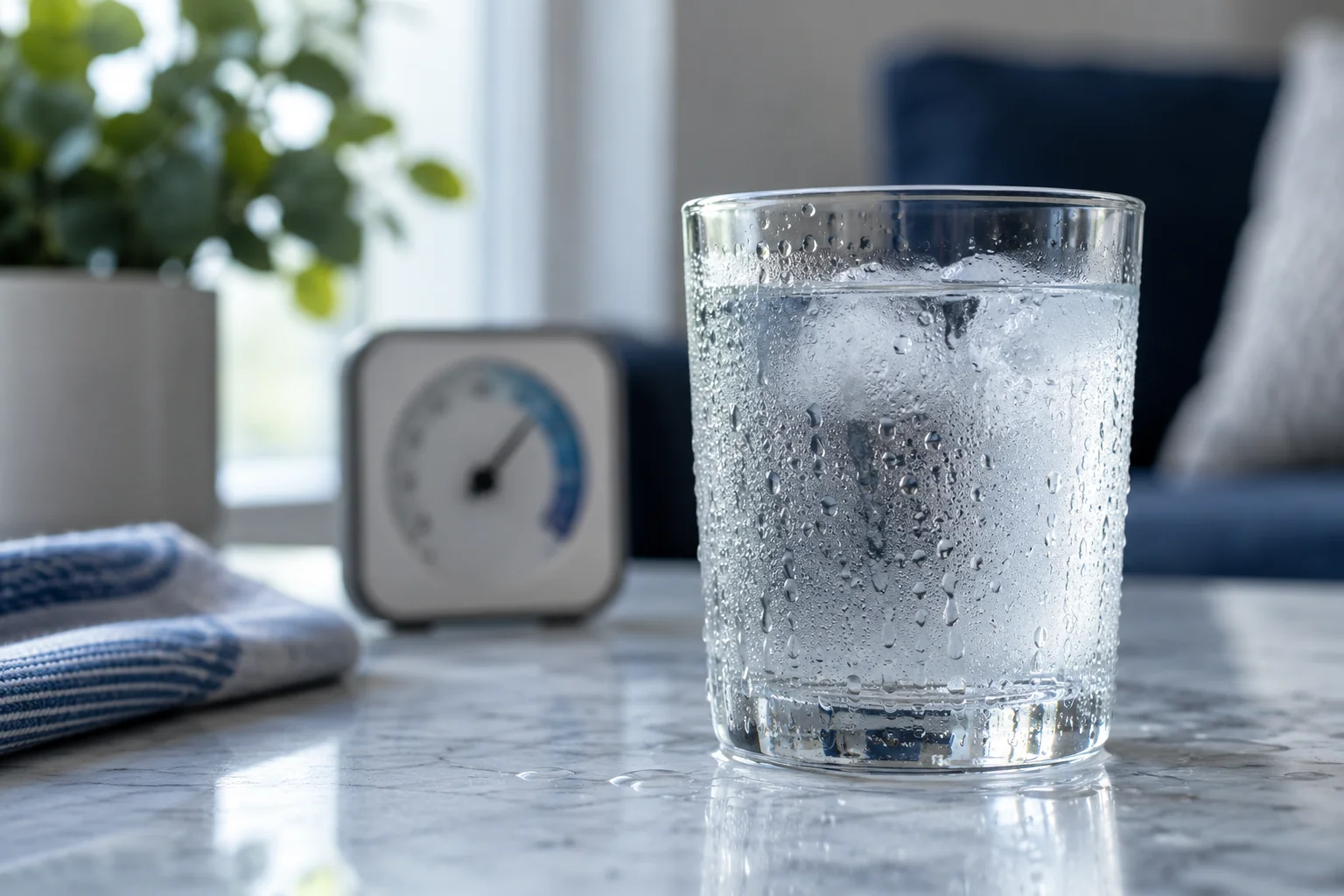
Relative humidity describes how close air is to saturation at its current temperature. Dew point is the temperature at which that air would reach saturation if cooled. Warmer air can hold more water vapor, so relative humidity can change even when moisture content does not.
Use the calculator with a stable room reading. A sensor beside wet glass, a vent, or a dehumidifier outlet may not represent the room.
02Compare dew point with a surface
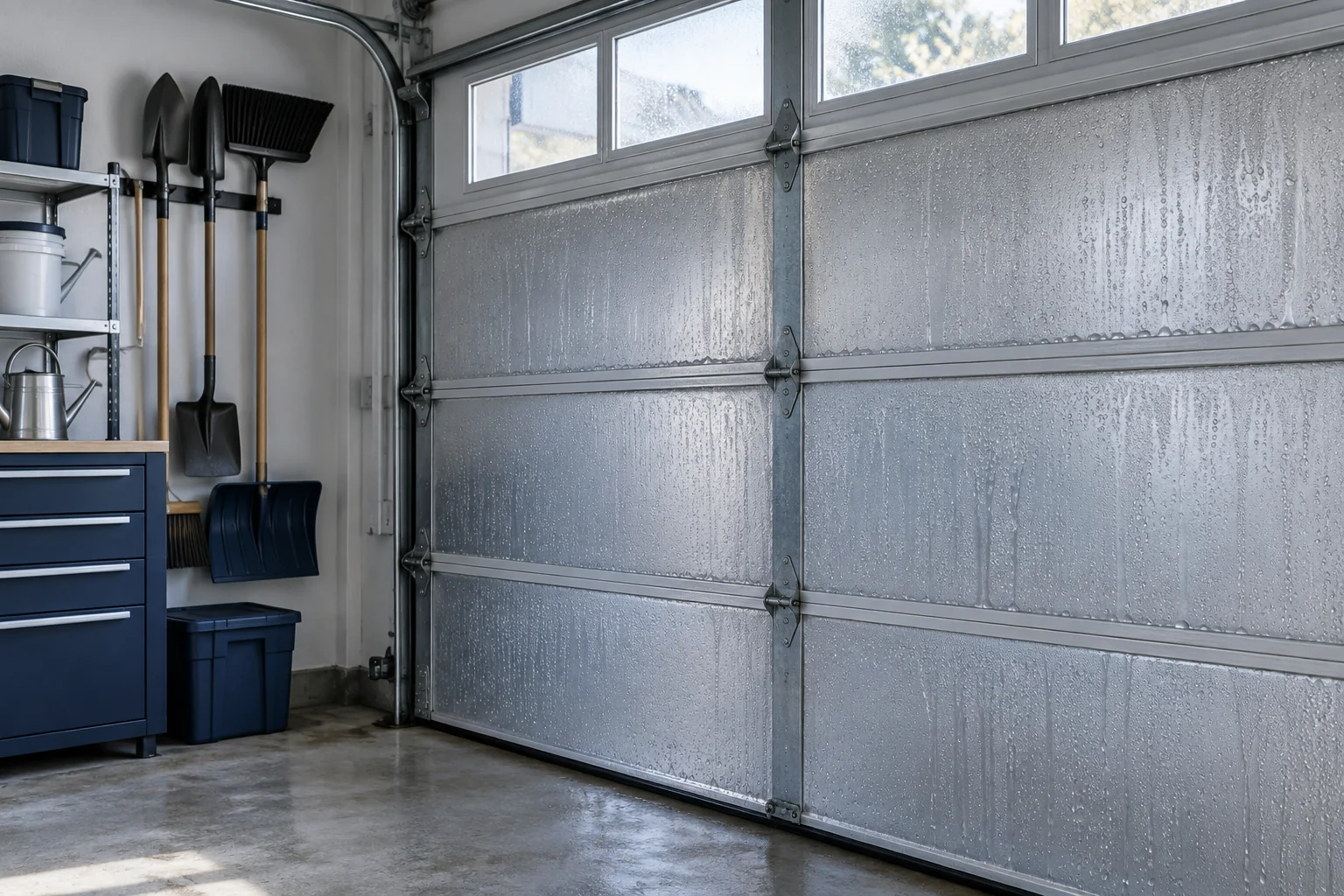
If room air has a calculated dew point of 52°F and a pipe surface is 48°F, condensation is possible. If the surface is 60°F, that air should not condense there under the simplified model. Local conditions and measurement error still matter.
Do not touch electrical components or unsafe surfaces to measure them.
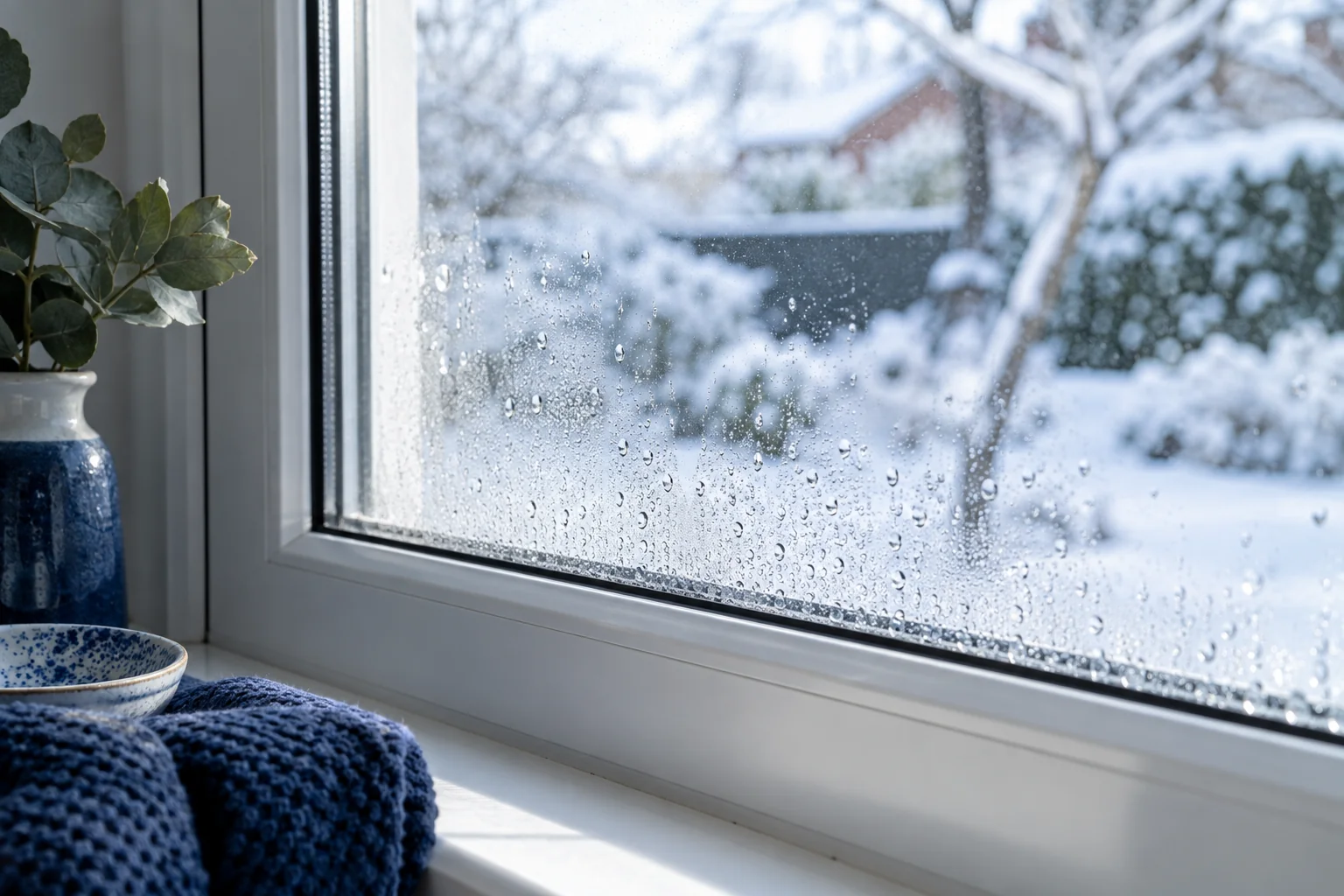
Related check: How to Stop Window Condensation in Winter →
03Choose the next check
A high dew point points toward excess moisture or humid air entry. A very cold surface points toward insulation, thermal bridging, or cold-water service. Often both contribute. Address liquid-water leaks first, then moisture sources, airflow, and surface temperature.
The calculation cannot distinguish a leak from condensation by itself. Timing, location, and weather observations complete the diagnosis.
04Know the limits
The calculator uses a common Magnus approximation intended for normal indoor conditions. It is not a substitute for psychrometric design software, material moisture testing, or a building investigation. Sensor accuracy can shift the result by several degrees.
Use it to test a plausible explanation, then verify the source before spending money on equipment.
Work through an indoor comparison
Illustrative situation · not a case report
At 68°F and 60% RH, this calculator gives a dew point of about 53.6°F. A surface measured at 50°F is below that estimate, so condensation is plausible. A surface at 60°F is above it for those inputs. Neither result proves what happened earlier in the day.
What to do with the observation
Measure while wetness is developing, note instrument uncertainty and compare the weather and plumbing-use record. Do not turn a calculated threshold into a guarantee.
Sources & editorial method
The calculator displays an estimate, not a measured surface condition.
Published by Dry Home Logic. Read our editorial policy.